Adobe InDesign (2021)
In this course we’ll review InDesigns graphic creation capabilities, how to import graphics and how to properly organize them for a project.
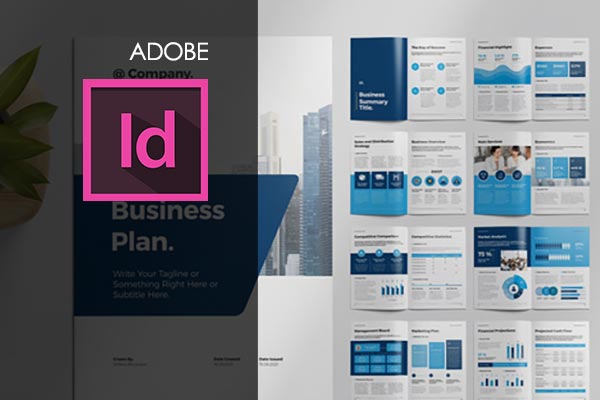
Graphic designers and production artists are the primary users of this desktop publishing software. It can also be used in conjunction with other Adobe products primarily Photoshop and Illustrator.
2021 Version
Module 1
- 1.1 Instructor Bio
- 1.2 Course Intro
Module 2
- 2.1 Creating a New Document
- 2.2 Importing Images and Understanding Links
- 2.3 Basic Tools and Navigating the Interface
- 2.4 Properties Panel
- 2.5 Creating Your Own Graphics within InDesign-
- 2.6 Working with Layers
Module 3
- 3.1 Color Theory
- 3.2 Adding and Altering Fills, Strokes, Colors and Gradients
Module 4
- 4.1 Pages Panel
- 4.2 Master Pages
Module 5
- 5.1 Typography Terms and Definitions
- 5.2 Creating Text + Character and Paragraph Formatting
- 5.3 Character and Paragraph Styles
- 5.4 Wrapping Text Around an Image
- 5.5 Working with Tables
Module 6
- 6.1 Saving, Preflight and Packaging Your Document
- 6.2 Exporting a PDF
Module 7
- 7.1 Principles of Design
Module 8
- 8.1 Letterheads
- 8.2 Business Card
- 8.3 Brochure
- 8.4 Multi-Page Binded Document
- 8.5 Print Booklet
Module 9
- 9.1 Creating a Template in InDesign
- 9.2 Using Step and Repeat
- 9.3 Grouping Objects
- 9.4 Island Spread & Page Tool-
- 9.5 Scripts
- 9.6 Object Styles
- 9.7 Content Collector & Content Placer
- 9.8 Gap Tool
- 9.9 Pathfinder Pallet
Module 10
- 10.1 Considerations When Working with Interactive Documents
- 10.2 Web Docs, Hyperlinks, Buttons and Rollovers
- 10.3 Creating Your Own Path
- 10.4 Exporting
Module 11
- 11.1 Outro
This course is included in all of our team and individual training plans. Choose the option that works best for you.
Enroll My Team.
Give your entire team access to this course and our full training library. Includes team dashboards, progress tracking, and group management.
Choose a Plan.
Get unlimited access to this course and our entire library with a monthly, quarterly, annual, or lifetime plan.
